LEION HEARING USER GUIDE

01Glasses connection operation

1

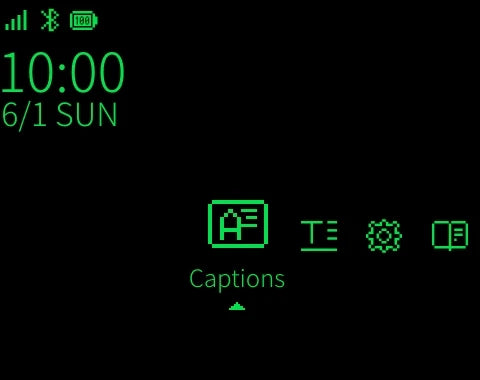
Turn on the glasses

LEION Hearing glasses turn-on screen
2

Download LEION APP

LEION app icon
3

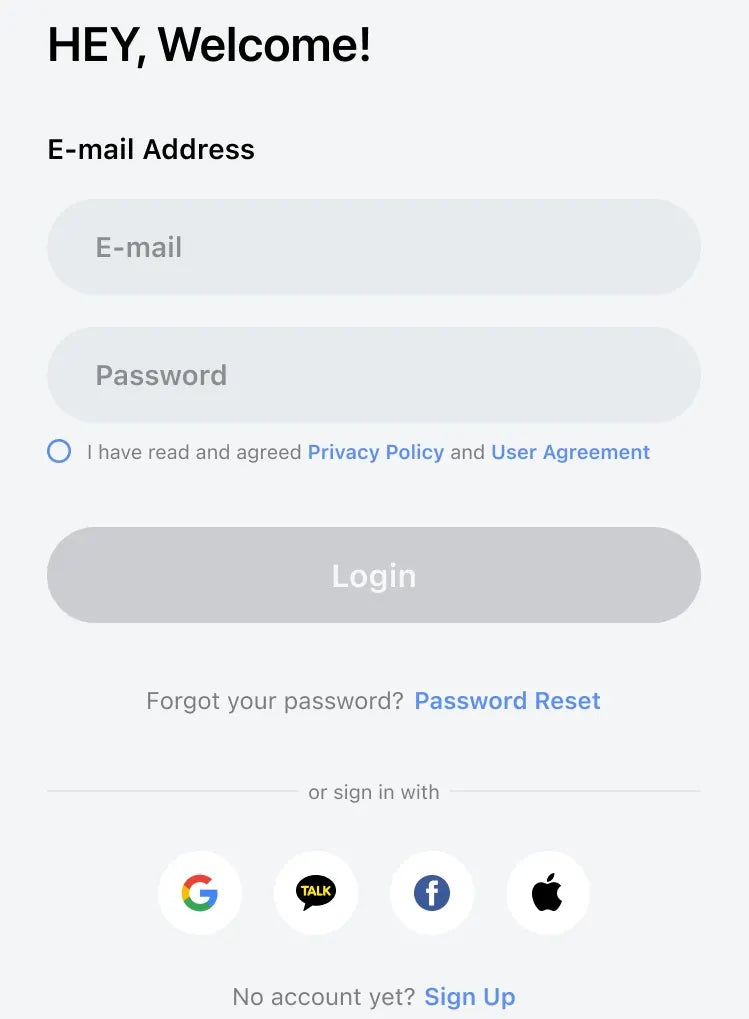
Registration and Login

Registration and login screen
4

Add 【Leion Hearing】 glasses

LEION Hearing app screenAdd Devices button
5

The system automatically searches for connectable devices
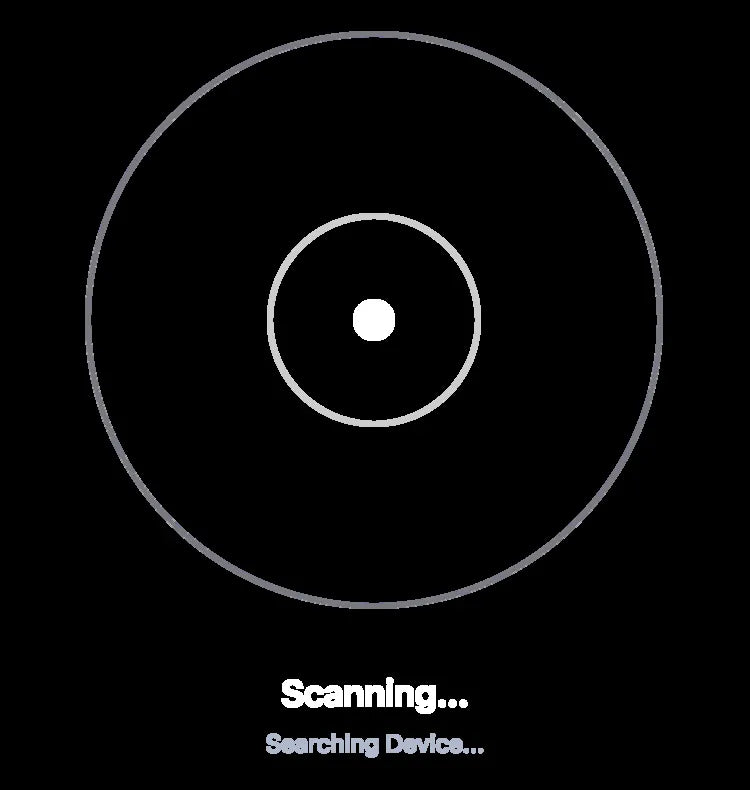
Searching for connectable devices
6

Select the device to be connected and click "Connect"

LEION Hearing device with Connect button
7

Confirm the pairing on the glasses

Bluetooth pairing request

Pair with LEION Hearing-0001?

DisagreeAgree
8

Match made

Connection successful
9

Start

Glasses display screen

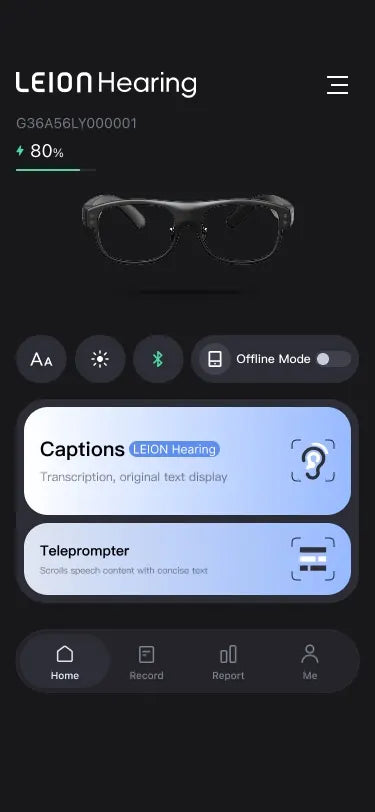
02Main features introduction

LEION Hearing app screen showing Captions and Teleprompter

Convert speech to text

Pre-set text content displayed as a prompt on the glasses, use for trial presentations.

03How to delete device

1、Tap the device image to view details
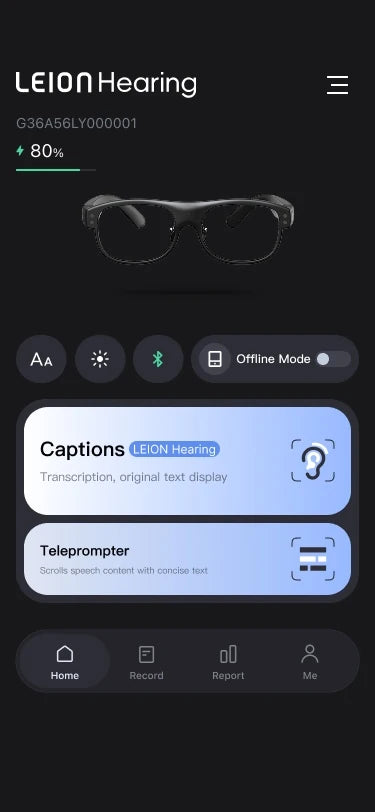
LEION Hearing device screen

2、Scroll down in device details to delete this device
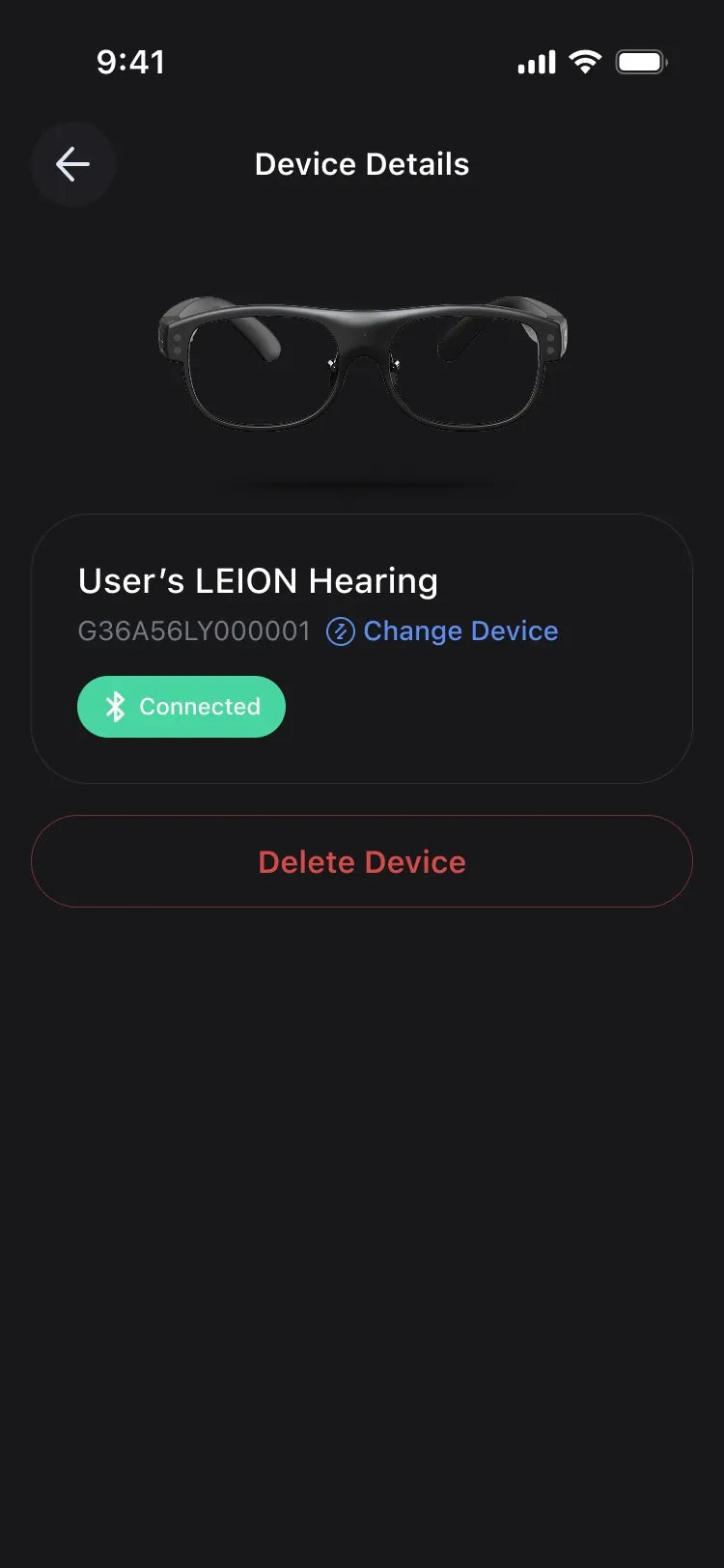
Device details screen with Delete Device

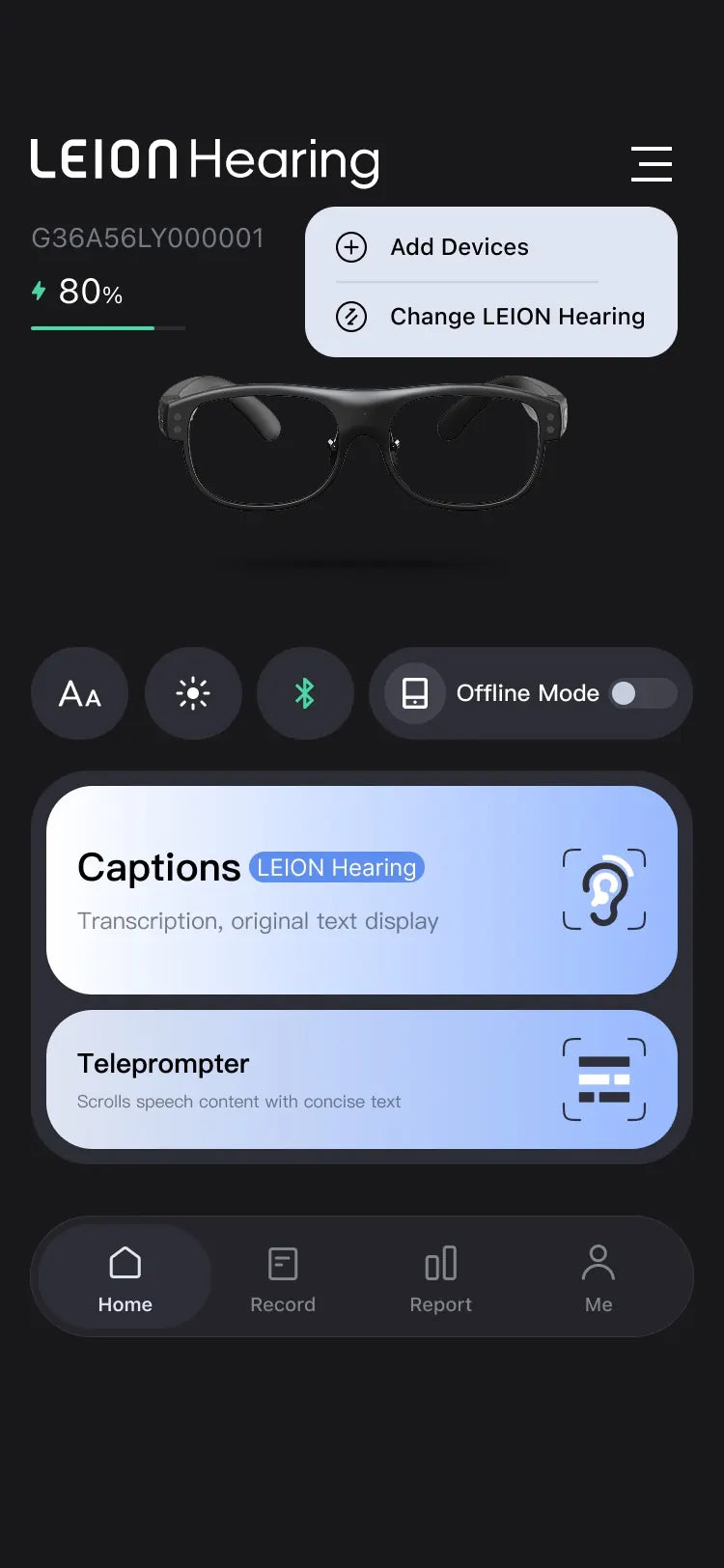
04How to add device

1、Home > More (☰)

LEION Hearing app home screen with More menu

2、Tap add device

LEION Hearing app with Add Devices option
Select Lens and Purchase